
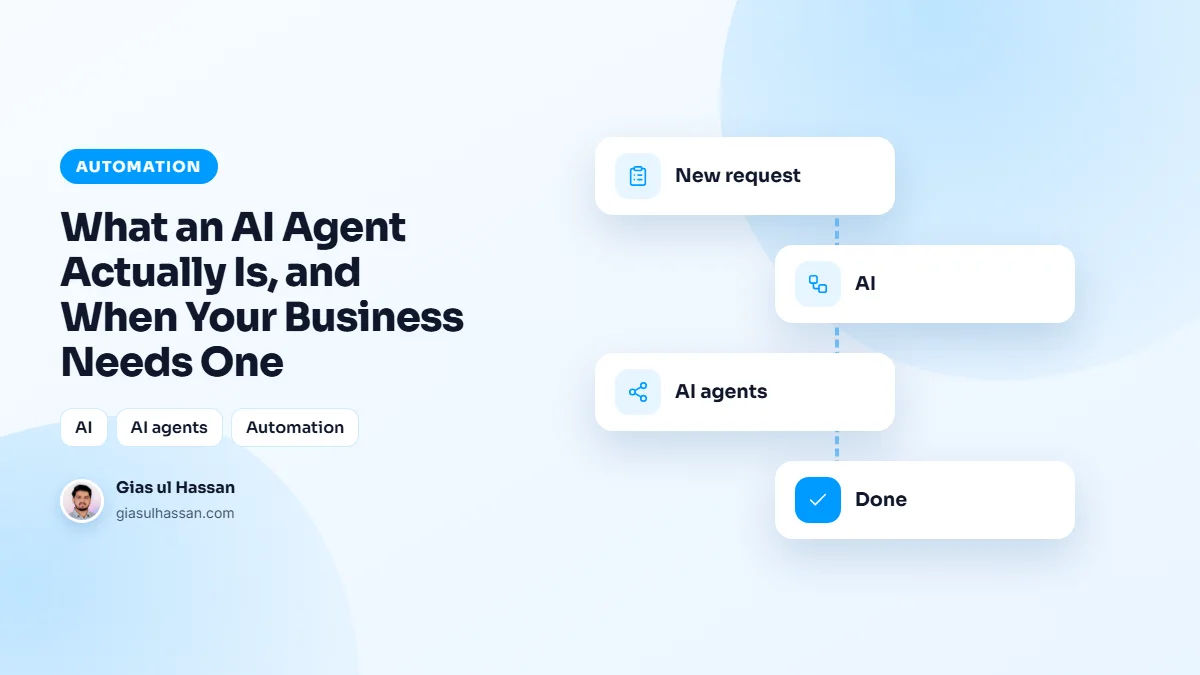
Every tool now claims to have an AI agent, and most explanations leave you more confused than before. So here is the plain version of what an AI agent is, and what it does for a business. A chatbot answers a question. An agent does a job. The difference is action: an agent can take a goal, break it into steps, use your tools to carry them out, check whether it worked, and keep going until the task is done, all without someone clicking through each step.
A useful example: a lead comes in through your site. A chatbot might reply with a canned message. An agent reads the enquiry, looks the company up, scores how good a fit it is, writes a tailored first reply, logs it all in your CRM, and pings you only if it is worth your time. That is the difference between a script and an agent.
What an AI agent is made of
Strip away the marketing and every agent I build has the same three parts. Knowing them makes it much easier to judge what you are being sold.
- A model that makes decisions. A large language model reads the situation and decides the next step. This is the part that copes with messy input, like an enquiry typed in a hurry on a phone.
- Tools it is allowed to use. Access to specific systems through their APIs: your CRM, your inbox, your calendar, a spreadsheet. An agent can only do what its tools let it do, nothing more.
- Rules and a stopping point. Written instructions on what a good result looks like, what it must never do, and when to hand the work to a person.
The model is the impressive part, but the tools and the rules decide whether the agent is useful or dangerous. Most of the real work in a project goes into those two.
Agent, automation or chatbot?
These get mixed up constantly, so it helps to separate them. A plain automation follows the same steps every time: when a form arrives, add a row and send an email. It is cheap, predictable and never surprises you. An agent adds judgement in the middle: read this, decide what it is, then choose what to do.
If your steps never change, you probably need plain automation, not an agent. I compare the tools for that in Zapier vs Make vs custom automation. And if what you really want is a better assistant on your website, that is a chatbot problem, which I cover in why most website chatbots annoy customers.
The honest test for whether you need one
Ignore the hype and ask three questions about a task. Is it repetitive and rules-based? Does it follow a pattern a person could explain? Does it eat hours that could go somewhere better? If you answer yes to all three, that task is a strong candidate. If the work needs real human judgement, deep relationships, or changes every single time, an agent will frustrate you more than it helps.
The mistake I see most is trying to automate something fuzzy and undefined. Agents are reliable when the job is clear and the boundaries are tight. They are a mess when the goal is vague. So the work is half engineering and half scoping: deciding exactly what the agent should do, what it must never do, and where it should stop and ask a human.
Good first jobs for an AI agent in a business
- Sorting incoming enquiries. Reading each message, tagging what it is about, and routing it to the right person.
- Pulling details out of documents. Turning order emails, invoices or forms into clean fields in your system.
- First drafts of routine replies. The agent writes, a person approves and sends.
- Background research before a call. A short summary of who the lead is and what they asked for.
Many of the tasks in five tasks your business should stop doing by hand need only plain automation. An agent earns its place where one step needs reading and judging. Poor candidates are the ones where a wrong answer is expensive and hard to spot: negotiating prices, final refund decisions, anything that sounds like legal or medical advice.
How to scope an agent so it stays reliable
This is the process I follow before writing any code. It is also a good checklist to hold any agency or vendor to.
- Write the job down as steps. If you cannot explain it to a new hire on one page, it is not ready for an agent.
- Give it the least access that works. Read-only wherever possible. An agent that can only draft emails cannot send a wrong one.
- Define the stop points. Unknown categories, high-value orders, angry customers, or low confidence all go to a human.
- Collect real past examples. A batch of genuine cases with the right outcome gives you something honest to test against.
- Run it alongside a person first. Let it suggest while someone still does the work, compare the two, then let it act.
- Log every action. When something odd happens, you need to see what it read and why it did what it did.
Security belongs in scoping too. An agent that reads outside content, such as emails or web pages, can be steered by instructions hidden inside that content. The OWASP Top 10 for LLM applications lists this prompt injection risk, along with giving a model more power than the job needs. Tight permissions and human approval for anything irreversible are the practical answer.
Common mistakes with business agents
- Starting with the hardest process. Begin with the most boring, best understood task, not the one that keeps the owner up at night.
- Full access on day one. Widen permissions only after it has proven itself on narrower ones.
- No measure of success. Decide upfront what counts as working: time saved, faster replies, fewer missed leads.
- Treating it as finished. Your offers, prices and processes change, and the instructions have to change with them.
- Using an agent where a rule would do. If a simple if-this-then-that covers it, the rule is cheaper and more predictable.
What to do next
You do not need an agent for everything, and you should be suspicious of anyone who says you do. But for the repetitive, draining, rules-based work that quietly fills your team’s week, a well-scoped agent is one of the highest-return things you can build right now. Start with one painful task, prove it, then expand.
A practical first step: pick that task and time it for a week. Note how often it happens, how long each one takes, and what goes wrong. That gives you a baseline to measure the agent against. If you want help scoping or building it, that is the kind of business automation work I do, starting with the one task and your real examples.