Web Applications
Safety Signs SG | Signage Store
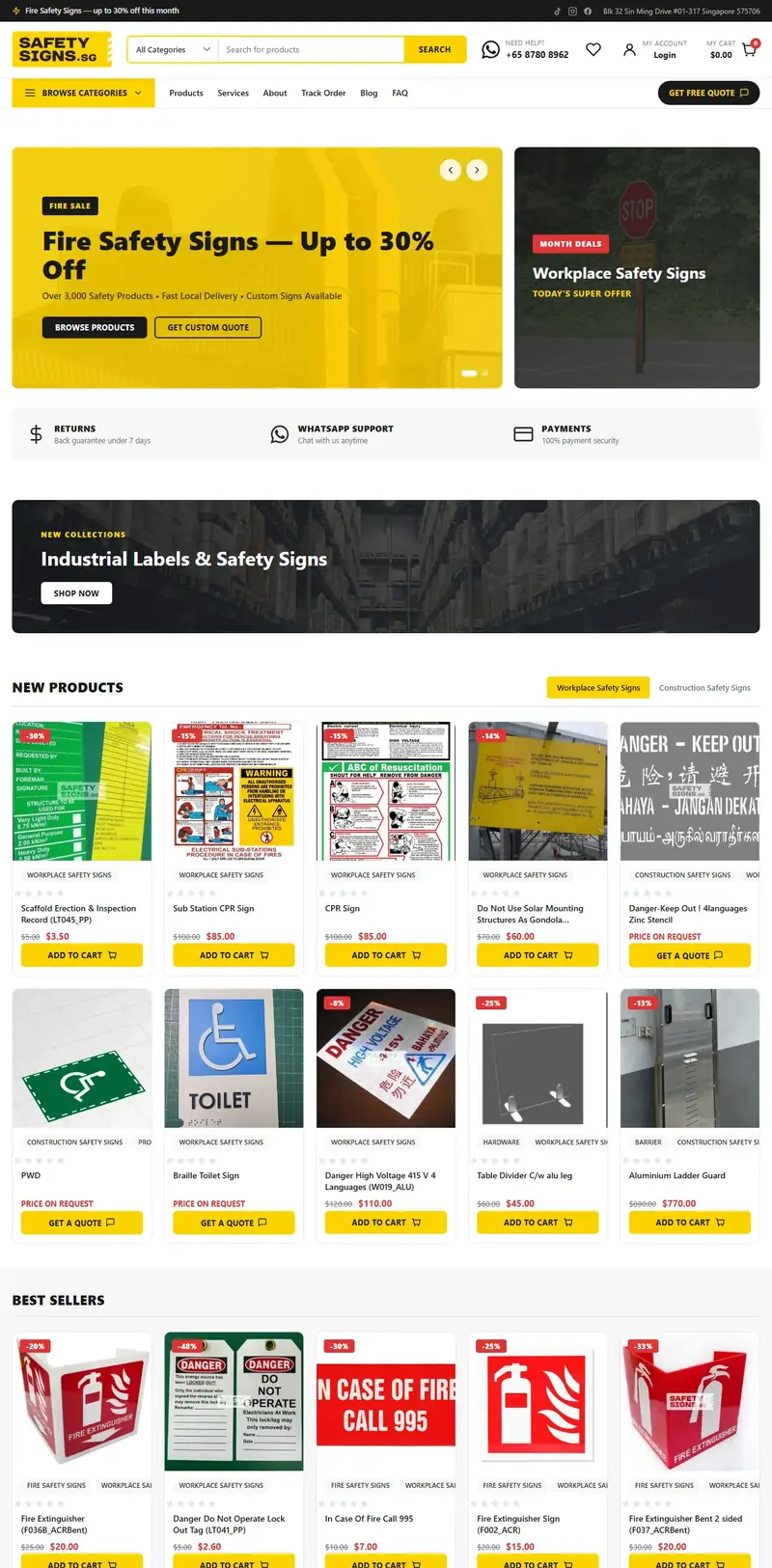
An online store for a Singapore safety-signage supplier, 164 sign products, instant checkout on stock items and a quote request on made-to-order ones.
View case study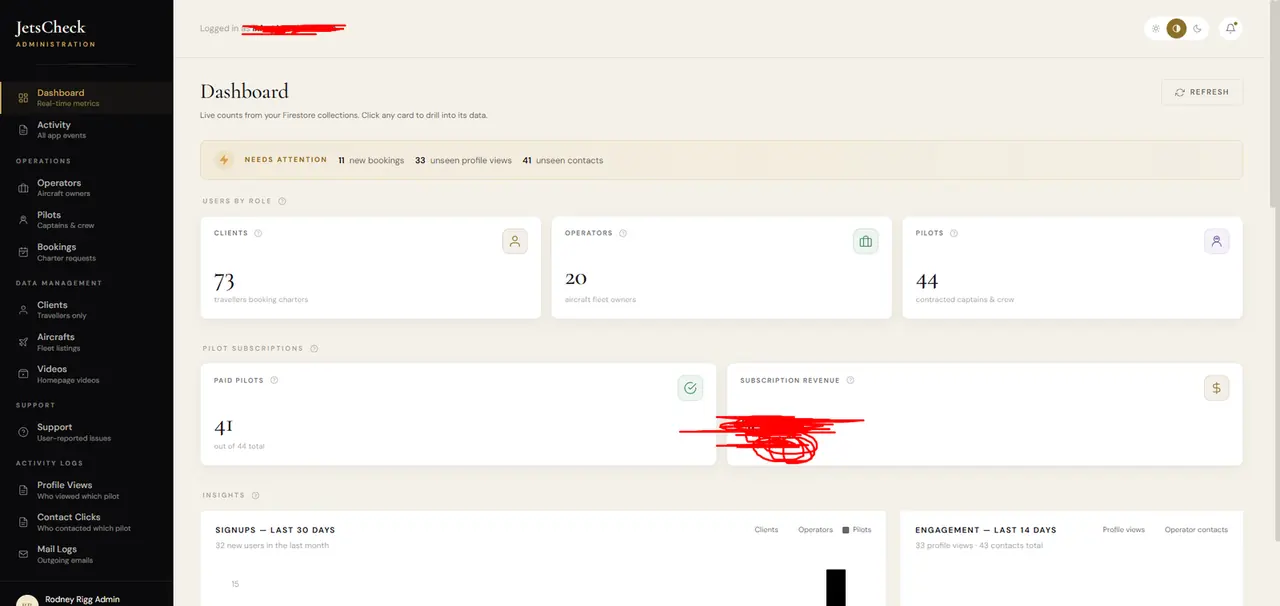
Running a charter marketplace means watching a lot of moving parts: clients, operators, pilots, bookings, payments. JetsCheck needed an admin dashboard that turns raw Firestore data into something an operator can read at a glance and act on.
A React, Vite and TypeScript admin dashboard with real-time metrics pulled straight from Firestore: users by role, pilot subscriptions and revenue, signup trends, fleet by category, live booking status, and account approvals. Every card drills into its underlying data.
The tools behind the build and the job each one does.
A single control room for the entire platform, giving the operator real-time visibility and direct control over bookings, access and revenue.
Open the project and see it working. The stack and numbers on this page were checked against the live build on 4 October 2026.
One person from first call to launch. See the full process
Cloud-function automation running the booking lifecycle, status updates and client email without manual work.
An online store for a Singapore safety-signage supplier, 164 sign products, instant checkout on stock items and a quote request on made-to-order ones.
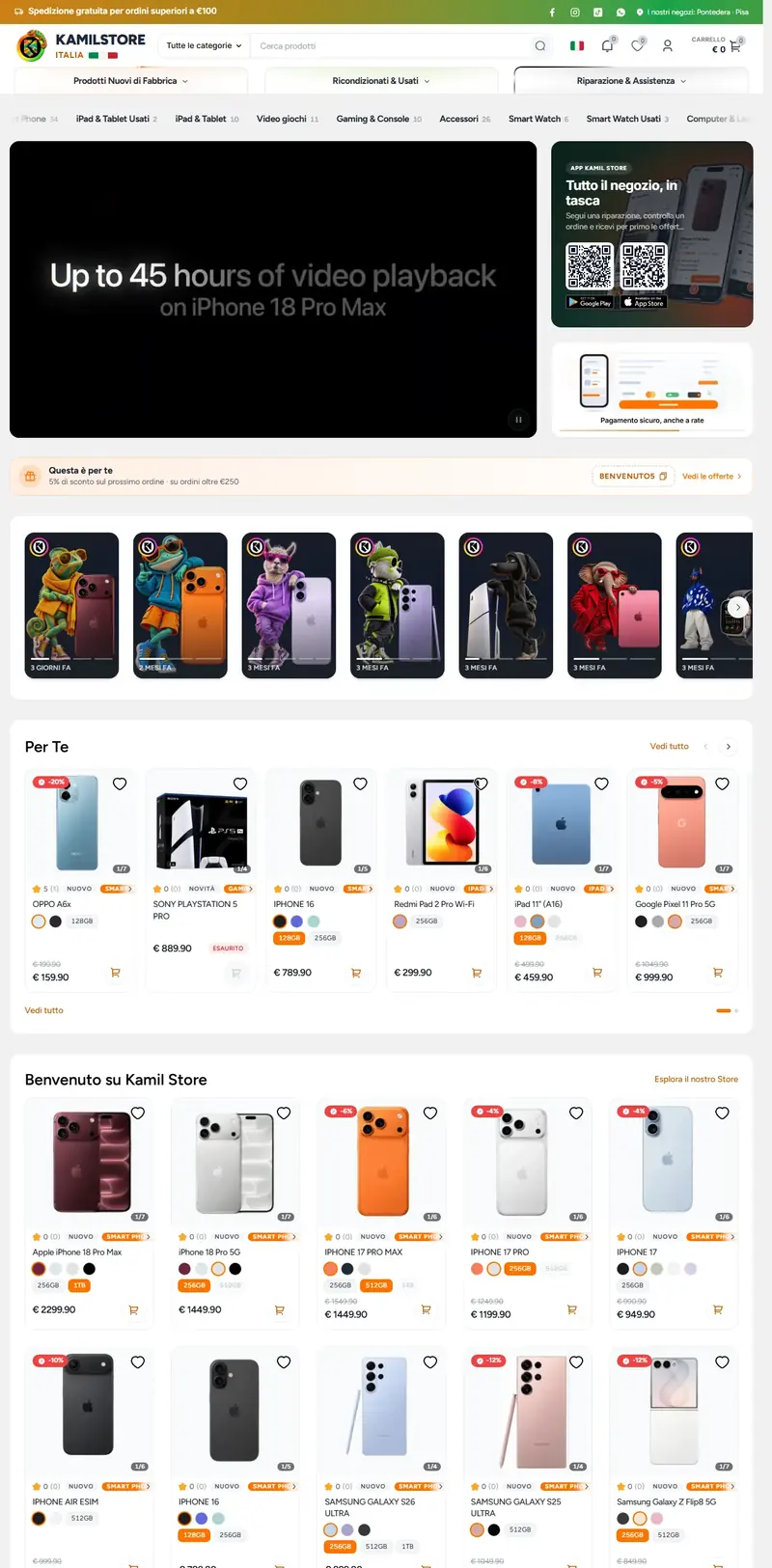
View case studyA custom e-commerce store for a phone shop in Pontedera: new and refurbished devices, trade-ins, repairs, and companion apps on iPhone and Android.
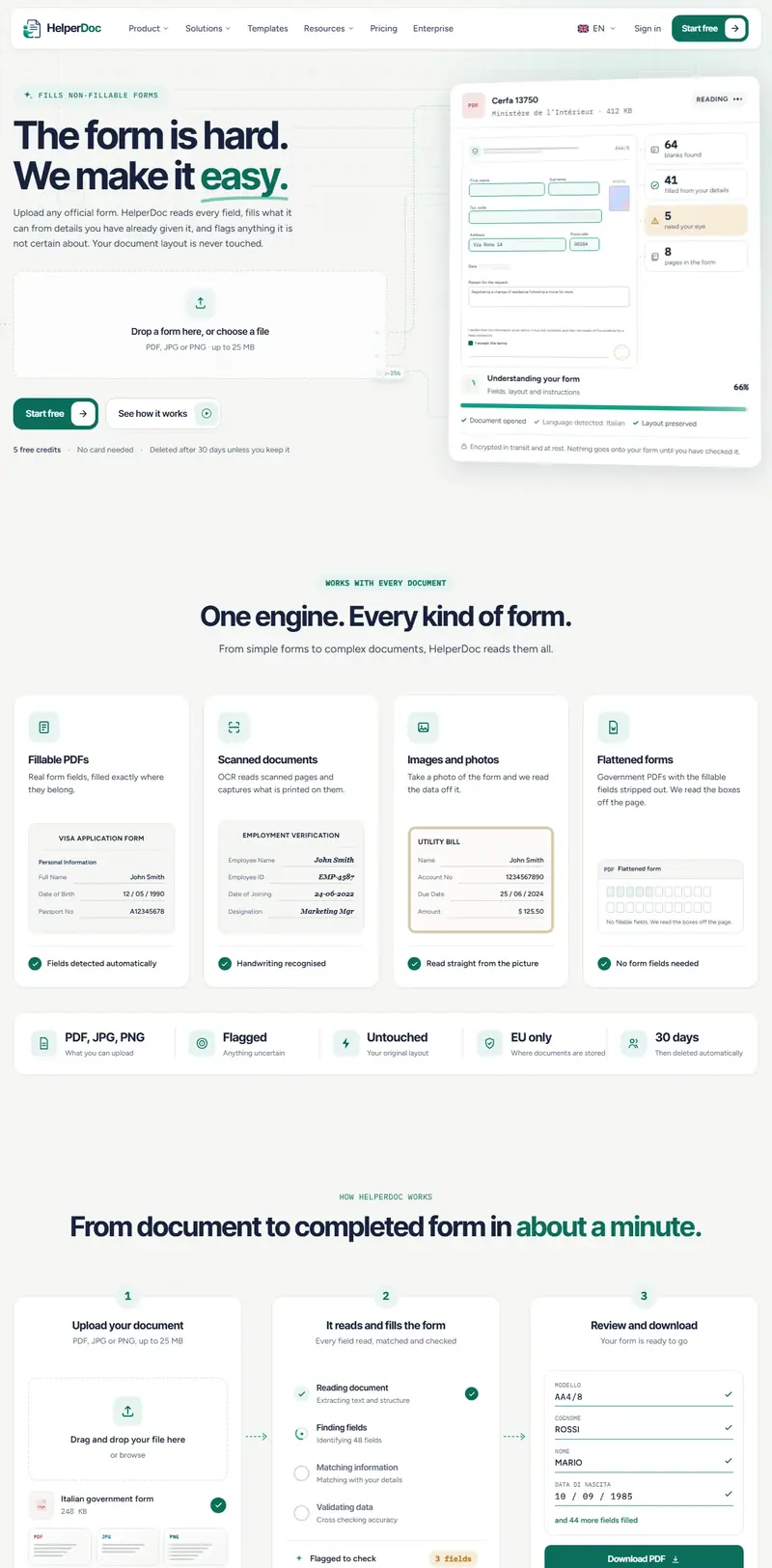
View case studyA web app that reads any official form (even flattened PDFs, scans and photos) and fills it from details you have already confirmed, leaving the layout untouched.
View case studyTell me what you’re trying to build and I’ll walk you through exactly how it would run, a clear scope and a fixed price.