
Next.js made Server Components the default, and a lot of developers now sprinkle "use client" wherever something breaks until the error goes away. That works, but it ships far more JavaScript to the browser than necessary. The server vs client components choice isn’t mysterious, there’s a simple rule.

Server Component by default
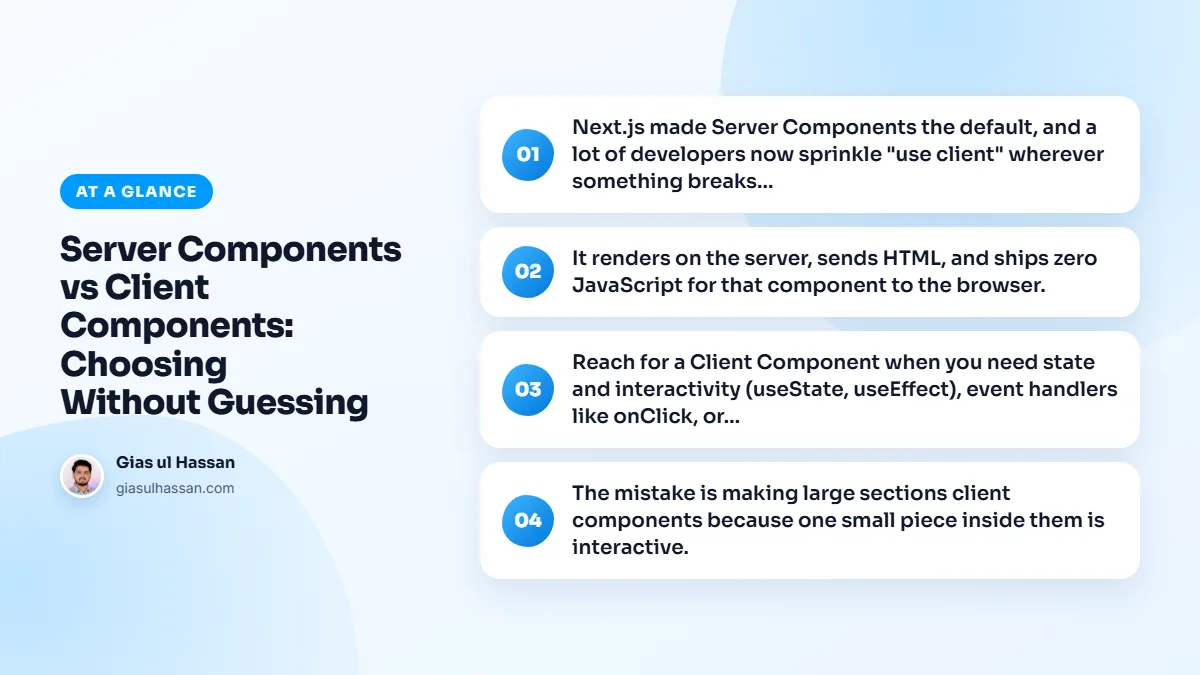
It renders on the server, sends HTML, and ships zero JavaScript for that component to the browser. It can fetch data directly, access the database, and keep secrets on the server. For anything that just displays data, most of a typical page, this is what you want.
Because the data loading happens on the server, it also makes caching easier. One server-side fetch can serve every visitor, which matters once API bills start to grow. I go into that in reducing API costs in Next.js applications.
Client Component only for browser behavior
Reach for a Client Component when you need state and interactivity (useState, useEffect), event handlers like onClick, or browser APIs like localStorage. If a component needs to respond to user interaction in the moment, it has to run in the browser.
One common misunderstanding is worth clearing up. A Client Component is not rendered only in the browser. On the first load, Next.js still renders it to HTML on the server, then the browser downloads its JavaScript and makes it interactive. So marking something client does not hurt the first paint much. What it costs is the JavaScript the browser must download and run.
The mistake is making large sections client components because one small piece inside them is interactive. Don’t. Keep the big, static parts on the server and push the interactive bit into its own small client component. A button that needs onClick should be a tiny client island inside an otherwise server-rendered page, not a reason to mark the whole page client.
Server vs client components: how the boundary works
"use client" does not mark one component. It marks a boundary. Everything that file imports becomes part of the client bundle too. That is why one directive at the top of a layout can quietly pull a whole section into the browser. The Next.js guide to server and client components covers the details. These are the patterns I lean on:
- Pass server content as children. A client modal or tab panel can take server-rendered content through
children. That content stays on the server and arrives already rendered. - Keep context providers deep. A provider needs to be a client component, but it should wrap only the part of the tree that uses it.
- Wrap third-party widgets. If a library component uses hooks but lacks the directive, wrap it in your own small client file.
- Pass plain data across the boundary. Props sent to a client component must be serializable, so send values, not class instances or functions.
- Guard server code. Import
server-onlyin files that hold secrets or database access, so a wrong import fails the build instead of leaking.
A worked example: a product page
Take a typical product page. The header, title, description, specifications and reviews only display data, so they stay as server components. The image gallery needs swipe gestures and state, so it becomes a client component.
The quantity picker and the add to cart button need state and clicks, so they become one small client component. The page itself stays a server component that fetches the product once and passes plain values down. Out of a dozen pieces, two run in the browser.
Common mistakes
- Marking the root layout client to use one provider, which pulls the whole layout into the bundle.
- Fetching in
useEffectdata that a server component could have fetched before the page was sent. - Passing a full database record into a client component. Every field is sent to the browser, even the ones the component never shows.
- Reading secrets in a client file. Environment variables without the
NEXT_PUBLIC_prefix are not available in the browser, and the ones with it are public by design.
Checks you can run
- Search the project for
"use client"and ask, for each file, which line actually needs the browser. - Look at the JavaScript a route ships after a production build, and watch it fall as you move static parts back to the server.
- Check pages with JavaScript disabled. Server-rendered content should still read correctly, even if buttons do nothing.
Where this choice shows up
The same rule fixes the login flash on protected pages. When the auth check lives in a server component, the wrong user never receives the page at all. I explain that in handling auth redirects in Next.js without the flicker.
It is not unique to Next.js, either. Shipping less code to the browser is what fixes most slow storefronts too, as you can see in why your Shopify store is slow. If you are planning an app and want this structure right from the start, that is how I approach web application development.
Ask one question per component: does this need to run in the browser? If no, it’s a Server Component. If yes, isolate exactly the part that does.