
You’ve all seen it: a protected page loads, shows its content for a split second, then snaps to the login screen. That flash of private content before the redirect is a bad look, and on some apps, a real leak. In Next.js, it happens because the auth redirect decision is made too late, in the browser, after the page already rendered.
Why the flicker happens
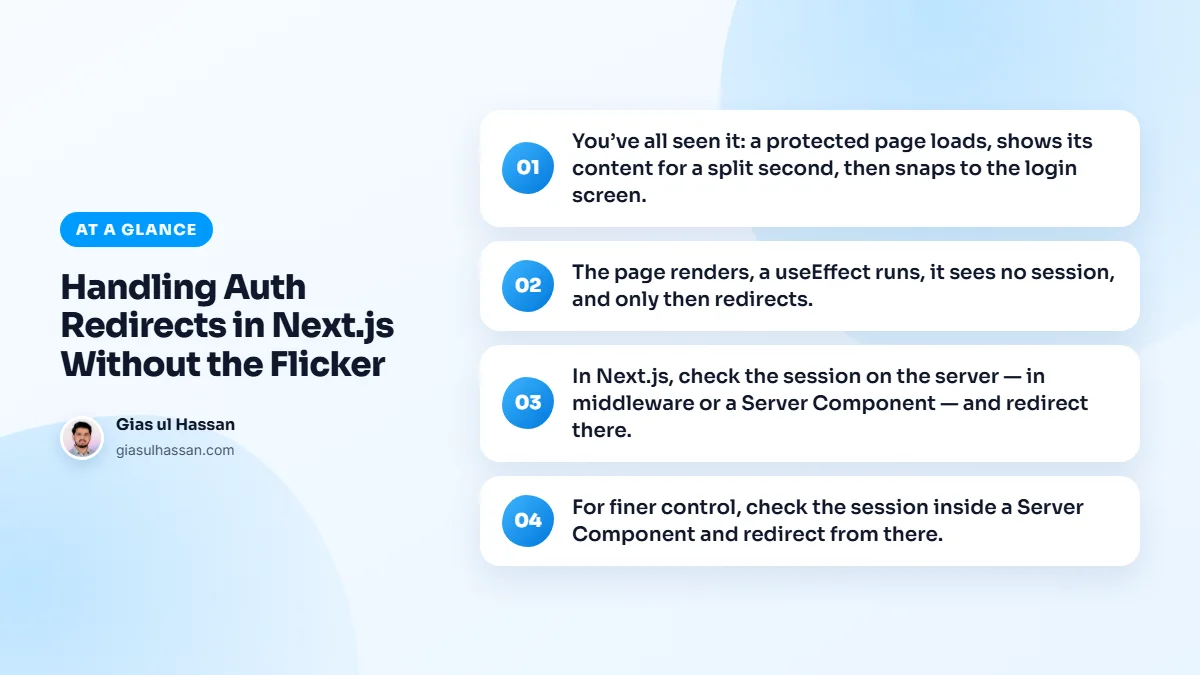
The page renders, a useEffect runs, it sees no session, and only then redirects. By that point the protected UI has already painted. Moving the check earlier removes the flash entirely.
It is worse than it looks. The protected HTML and its data were already sent to the browser, so anyone who views the source or watches the Network tab can read them. A client-side redirect hides the page from honest visitors. It protects nothing from curious ones.
It is also slow. The visitor downloads a page, runs its scripts, and only then starts loading the login screen. That is a full extra round trip, the same kind of wasted work that drags down a store full of add-ons, as I describe in why your Shopify store is slow.
Decide on the server
In Next.js, check the session on the server, in middleware or a Server Component, and redirect there. The browser never receives the protected HTML for an unauthenticated user, so there’s nothing to flash. Middleware is ideal for whole sections of the app: it runs before the page, checks the session cookie, and redirects unauthorized requests before render.
In Next.js 16, the middleware file convention was renamed to proxy, so the file is now proxy.ts. It does the same job. Because it runs on every matched request, including prefetches, keep it light: read the session cookie and redirect, and leave database lookups for later.
For finer control, check the session inside a Server Component and redirect from there. Either way, the decision happens on the server, not after a client round trip.
Setting up Next.js auth redirects step by step
The Next.js authentication guide recommends a split between quick checks and secure checks. This is the setup I use:
- Store the session in a secure, HTTP-only cookie, so scripts in the page cannot read or change it.
- In the proxy, do a quick check. If there is no valid session cookie on a protected path, redirect to the login page before anything renders.
- Exclude the login page and static files from the matcher, or you will build a redirect loop.
- Verify the session again close to the data. A small function that checks the session and returns the user, called wherever protected data is read, is the real line of defense.
- Redirect from Server Components with
redirect()fromnext/navigationwhen a page needs a role or permission check. - Send people back where they were going. Pass the original path to the login page, and accept only paths on your own site, so the redirect cannot be abused to send users elsewhere.
How to test that it works
- Open a protected URL in a private window. In the Network tab, the first response should be a redirect, not the page HTML.
- Turn JavaScript off and try again. You should still land on the login page, because the decision no longer depends on the browser.
- Log out in one tab, then click around in another. The next navigation should send you to login without showing stale private content.
- Call your protected data routes directly without a session. They should refuse, whatever the page does.
Common mistakes
- Relying on the proxy alone. It is a fast first filter. Data reads and server actions still need their own check.
- Checking only in a layout. Layouts do not re-render on every navigation, so a check there can be skipped. Check in the page or the data layer too.
- Calling an auth service on every request. A remote session lookup on each page view slows things down and can add to your bill. Reducing API costs in Next.js applications covers how to cache what is safe to cache.
- Chaining redirects. Each hop adds a full round trip before the real page can start loading.
That last one matters for speed scores. Every redirect pushes back the moment the main content can appear, which is one reason a page can be stuck on a slow Largest Contentful Paint. I break down the rest in the real reason your LCP won’t drop below 2.5s.
When you still need something in the browser
If you must do anything client-side, render a neutral loading state, never the real content, until auth resolves. But the clean answer is to stop the protected page from rendering for the wrong user in the first place.
Client checks still have a place: hiding a menu item, or reacting when a session expires while the page is open. Treat them as convenience for the interface, never as protection. If you are building an app with logins and want this done properly from the start, that is part of my web application development work.