Reviewing small SaaS codebases, the same authentication mistakes show up again and again, and auth is the one area where a mistake isn’t a bug, it’s a breach. None of these are exotic; they’re the basics, skipped under deadline pressure.
Trusting the client
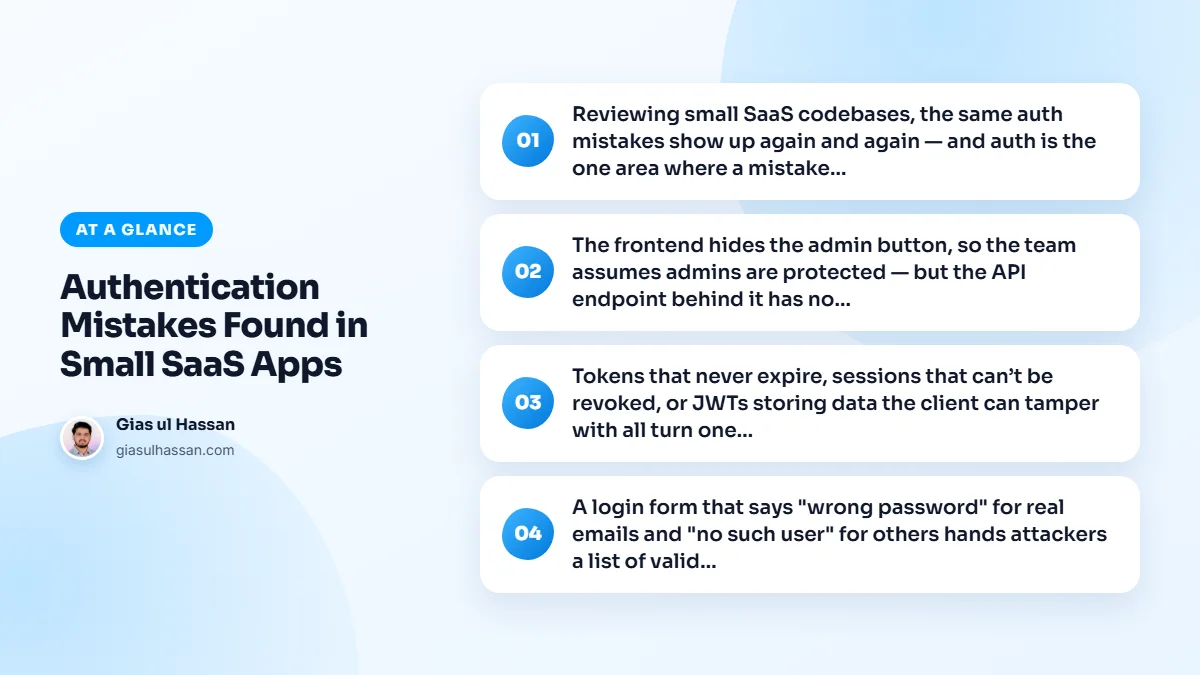
The frontend hides the admin button, so the team assumes admins are protected, but the API endpoint behind it has no check. Anyone who calls it directly gets through. Every protected endpoint must verify permissions on the server. Hiding UI is not security.
This is not a niche problem. Broken access control sits at the top of the OWASP Top Ten, the standard list of the most serious web application risks. The fix is a habit: write the permission check in the same place as the endpoint, and write a test that calls the endpoint as a user who should be refused.
One account reading another account’s data
Multi-tenant SaaS adds a second version of the same mistake. The user is logged in, so the request passes, but nobody checks that the invoice or project they asked for belongs to their account. Change the ID in the URL and they see another customer’s data.
The safe pattern is to scope every query by the current account, not just by the record ID. Many teams enforce it in one shared layer so a developer cannot forget it on a new endpoint. That account column then appears in almost every query, so index it properly; database indexes that quietly save SaaS apps from slowdowns explains why.
Weak sessions and leaky logins
Tokens that never expire, sessions that can’t be revoked, or JWTs storing data the client can tamper with all turn one mistake into a permanent one. Use short-lived tokens with refresh, and make sure you can invalidate a session server-side.
A few details make sessions much harder to steal or abuse:
- Store session tokens in cookies marked
HttpOnly,SecureandSameSite, so page scripts cannot read them. - Issue a fresh session ID when someone logs in, rather than reusing the one they had before.
- End every session for that account when the password changes, and offer a "log out everywhere" option.
- Never trust a role or account ID sent by the client; look it up on the server from the session.
A login form that says "wrong password" for real emails and "no such user" for others hands attackers a list of valid accounts; return the same generic message either way. And without rate limiting on login, attackers can guess passwords thousands of times a minute; limit attempts per account and per IP.
Rate limits need care, because a careless rule locks out real customers along with attackers. I cover how to set them sensibly in rate limiting a SaaS API without punishing real users.
Password resets that open a side door
The reset flow is often built last and tested least, yet it can hand over any account. Reset tokens should be long and random, valid for a short time, usable once, and stored hashed like passwords. The reset page should give the same response whether or not the email exists, for the same reason the login form should.
Email verification links deserve the same treatment. A link that never expires and works more than once is a standing invitation sitting in someone’s inbox.
Storing secrets properly
Finally, store secrets properly: a strong, slow password hash, and API keys treated like passwords, never plain text. In practice that means a purpose-built algorithm such as Argon2id or bcrypt, never a fast general hash. OWASP’s password storage cheat sheet sets out the current recommendations.
Keep application secrets out of the codebase as well. Database passwords and third-party keys belong in environment configuration, not in a repository where every contractor and every backup can read them.
Two-factor for the accounts that matter most
Admin and support accounts can see every customer, so a stolen admin password is worth far more than any single user’s. Require two-factor authentication on those accounts first, even if you only offer it as an option to regular users. An authenticator app is a sensible default, and it adds a few seconds to the login of the people who hold the most access.
A quick authentication checklist for small SaaS apps
- Every protected endpoint checks permissions on the server.
- Every query is scoped to the current account.
- Sessions expire, can be revoked, and live in secure cookies.
- Login and reset give the same message for real and unknown emails.
- Login and reset are rate-limited per account and per IP.
- Passwords use a slow, modern hash, and API keys are hashed too.
- Admin accounts use two-factor authentication.
Good security does not have to make the product harder to use. Sign-up and login can stay quick while the checks run behind the scenes, which matters because the first session shapes whether a trial converts. Why your SaaS trial-to-paid conversion is stuck covers that side of the product.
Get authorization checks onto the server, sessions revocable, and login rate-limited, and you’ve closed the holes that sink most small SaaS apps. If you would like a second pair of eyes on your auth before launch, it is part of the SaaS development work I do.