You compressed the images, installed the caching plugin, minified everything, and Largest Contentful Paint (LCP) still reads 3.4 seconds. Stuck-LCP sites almost always share the same diagnosis: the optimizations treated the image, but LCP is a relay race, and the handoffs are where the time hides.
LCP isn’t one delay. It’s four in a row. Optimizing the last leg while the first three crawl is why your score won’t move.
What Largest Contentful Paint actually measures
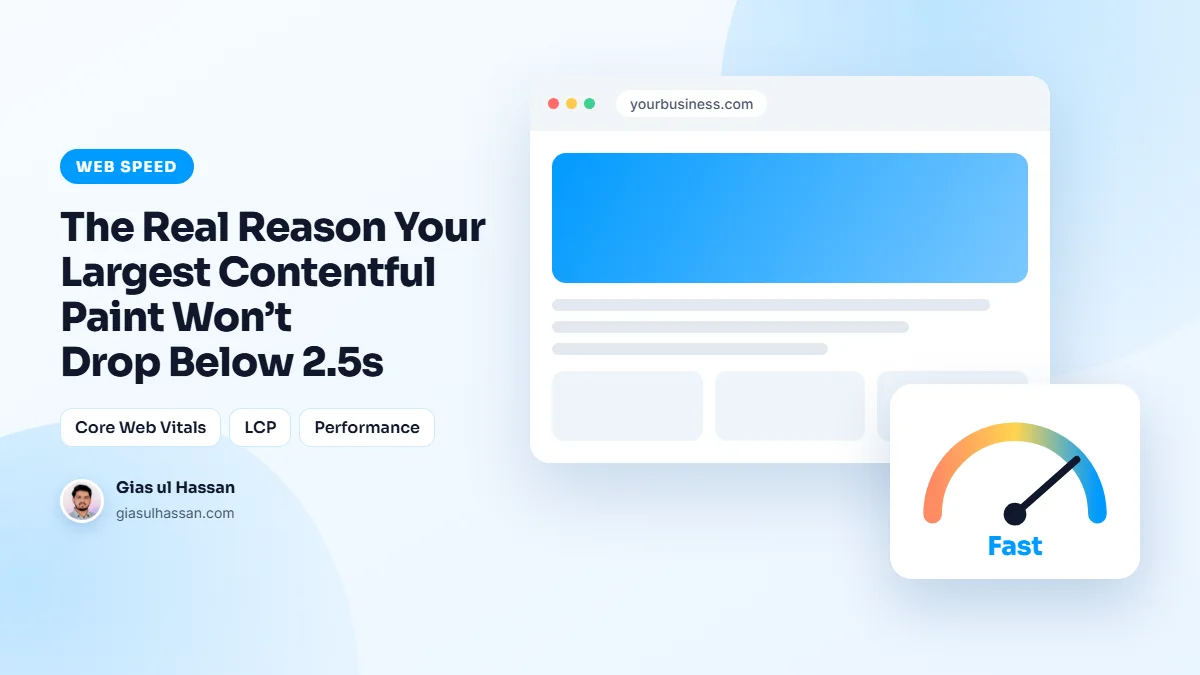
LCP is the time from the start of the page load until the largest image or block of text in the first screen is rendered. In plain terms, it is when the visitor sees the main thing they came for. The web.dev guide to Largest Contentful Paint sets the target at 2.5 seconds or less, measured at the 75th percentile of real page loads.
That last detail matters. Passing means three out of four visits hit the target, not your best run on a fast connection. Mobile and desktop are judged separately, and the mobile number is almost always the harder one.
The four legs of the race
Before your hero image can paint, four things happen in sequence: the server responds (TTFB), the browser discovers the image exists, the image downloads, and the browser renders it. Google’s LCP optimization guide breaks the metric down exactly this way, and the discovery and TTFB legs, not the download, are where stuck sites lose their seconds.
| Leg | Phase in the report | Usual fix |
|---|---|---|
| 1. Server responds | Time to first byte | Page caching, lighter server work |
| 2. Image is discovered | Resource load delay | Real img tag in the HTML, no lazy loading, high priority |
| 3. Image downloads | Resource load duration | Right size, modern format |
| 4. Image is painted | Element render delay | Less blocking CSS, JavaScript and fonts |
Leg 1: TTFB, the floor under everything
If your server takes 1.2 seconds to send the first byte, a 2.5-second LCP needs everything else to finish in 1.3, nearly impossible. Check TTFB first; if it’s over ~600ms, fix server-level page caching before touching another image. No amount of compression outruns a slow first byte.
A slow first byte is not always the host’s fault, either. Redirect chains, uncached pages and slow database queries all land in this leg. I walk through how to separate them in how to fix a slow time to first byte before blaming your host.
Leg 2: Discovery, the invisible delay
This is the one nobody checks. The browser can only start downloading the hero once it knows about it, and modern setups hide the hero from the initial HTML in several ways.
- The image is set as a CSS
background-image, invisible until the CSS downloads and parses. - It is injected by JavaScript or a slider, invisible until scripts run.
- Or, the self-inflicted classic, it is marked
loading="lazy", which explicitly tells the browser to wait on the exact image being timed.
Each pattern adds hundreds of milliseconds of pure discovery delay before a single byte of image transfers. Lazy loading is worth its own warning, because it is often switched on site-wide by a plugin or theme setting. Why lazy loading made your site feel slower explains how to keep it for images further down and off the hero.
The fix pattern
Get the hero into the initial HTML as a real <img> tag, remove lazy loading from it, add fetchpriority="high", and preload it in the head. Together these move the image download to the front of the queue instead of the back, routinely worth a full second on sites that had it backwards.
Preload one image, not five. When several files are all marked as urgent, they compete for the same connection and none of them arrives early.
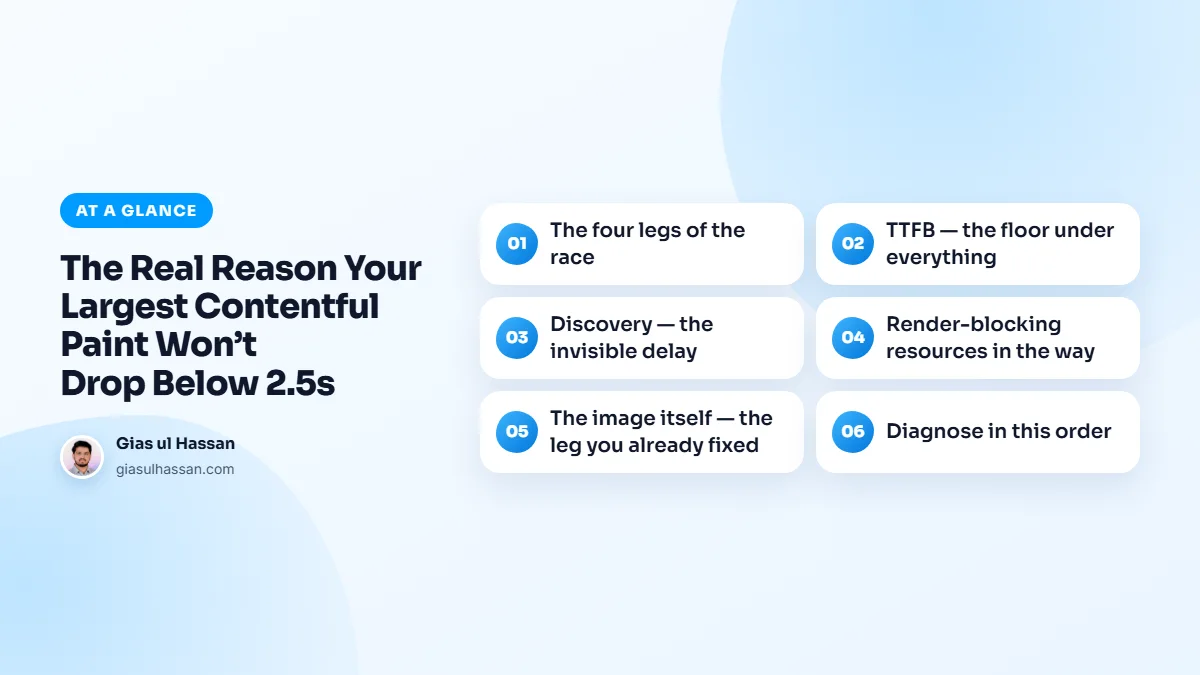
Leg 3: Render-blocking resources in the way
Even a discovered, downloaded image can’t paint until render-blocking CSS and JavaScript finish. Builder themes shipping 1 to 2MB of CSS and font stacks loading four families make the browser sit on a ready image. Cut unused CSS, defer non-critical scripts, and trim to two font families with preloaded primaries. This leg is where "the score improved but only a little" sites find their remaining half-second.
If your site runs on WordPress, my complete guide to speeding up a WordPress site puts these fixes in order, from measuring to caching to fonts and scripts.
Leg 4: The image itself: the leg you already fixed
Modern format, sized to its container, decently compressed. Necessary, already done, and only ever one leg of four, which is precisely why doing it alone didn’t move the number.
Diagnose in this order
PageSpeed Insights names your LCP element, confirm it’s the hero and not a surprise (a font-rendered headline or an unexpected banner changes the whole plan). Then read the phases: high TTFB → server caching; long "resource load delay" → discovery fixes; long render delay → blocking CSS/JS. Fix the biggest phase, re-measure, repeat.
When the LCP element is text, the fix list changes. A web font that hides text until it loads can hold back the paint, so check how your fonts are loaded before you touch any image.
Be patient with the field numbers. The real user data in PageSpeed Insights and Search Console covers a rolling 28-day window, so a fix shipped today shows in the lab result at once but takes weeks to fully show up for real visitors.
When the phases point at theme architecture itself (CSS bloat, JS-rendered heroes) that’s the point where a structured speed pass beats another plugin, because the problem is in the build, and so is the fix.