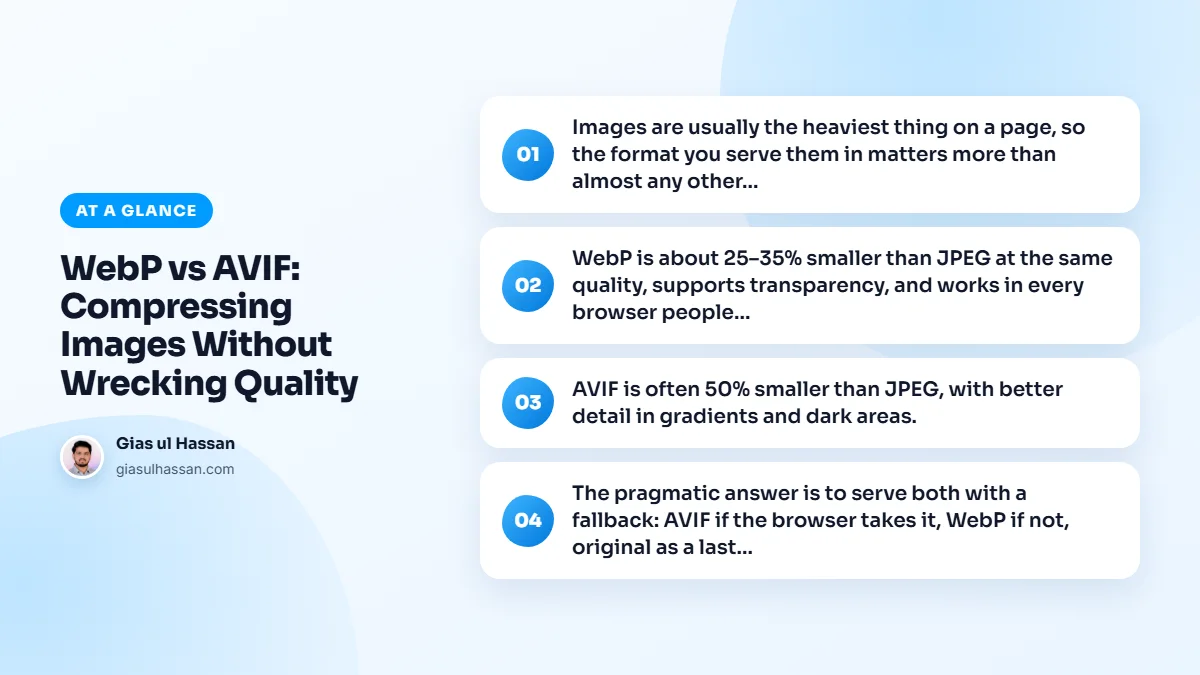
Images are usually the heaviest thing on a page, so the format you serve them in matters more than almost any other optimization. The two modern options, WebP and AVIF, both beat JPEG and PNG, but they’re not interchangeable. In the WebP vs AVIF choice, picking wrong either wastes bytes or wastes your time.
WebP is the safe default
WebP is about 25 to 35% smaller than JPEG at the same quality, supports transparency, and works in every browser people actually use. Converting a library to WebP is the single biggest image win for most sites, and it’s low-risk.
It also encodes quickly, so generating it on upload doesn’t strain a modest server. It handles both photos (lossy) and flat graphics (lossless), which means one format can replace most of the JPEGs and PNGs in a typical media library.
AVIF goes further, with tradeoffs
AVIF is often 50% smaller than JPEG, with better detail in gradients and dark areas. But encoding is slow and CPU-heavy, so generating it on the fly can hurt the server, and very old browsers don’t support it. For photography-heavy sites where every kilobyte counts, AVIF is worth it. For a typical business site, the extra savings over WebP often aren’t.
If you want to check support for your own audience, Can I use lists AVIF support by browser version. Current versions of the major browsers handle it. The gap is older devices that never get updated, which is exactly why a fallback matters.
WebP vs AVIF at a glance
| WebP | AVIF | |
|---|---|---|
| File size | Clearly smaller than JPEG | Usually smaller again than WebP |
| Transparency | Yes | Yes |
| Encoding speed | Fast | Slow and CPU-heavy |
| Browser support | Every current browser | Current major browsers, not very old ones |
| Best for | Almost every site, as the default | Photo-heavy pages where bytes really count |
Serve both with a fallback
The pragmatic answer is to serve both with a fallback: AVIF if the browser takes it, WebP if not, original as a last resort. A <picture> element handles this, and most image plugins or a CDN like Cloudflare can do it automatically.
Written by hand, it looks like this. The browser reads the sources in order and uses the first one it understands:
<picture><source srcset="team.avif" type="image/avif"><source srcset="team.webp" type="image/webp"><img src="team.jpg" width="1200" height="800" alt="Our team at work"></picture>
Keep the width, height and alt on the img tag. That one tag still controls the layout and the accessibility, whichever file the browser picks.
On WordPress you rarely need to write this yourself. Recent versions accept WebP and AVIF uploads as long as the server’s image library supports them, and image optimization plugins generate both versions and rewrite the markup for you.
Compressing without wrecking quality
The format is only half the job. The other half is how hard you squeeze, and that’s where sites end up with smeared, blotchy photos. A few rules keep the quality intact:
- Resize before you compress. A 4000 pixel camera photo shown in an 800 pixel slot is wasted bytes no format can rescue. Export at the size you display, plus a larger version for high-density screens through
srcset. - Start from the best original. Converting an already compressed JPEG stacks one set of artefacts on another. Keep the original high-quality file and convert from that.
- Don’t trust one quality number. Quality scales differ between encoders and formats, so a setting that looks fine in WebP is not the same setting in AVIF. Lower it until you see damage, then step back one notch.
- Check at 100% zoom. Look at skies and gradients for banding, faces and fabric for smearing, and edges of text for halos.
When neither format is the answer
Logos and icons are usually better as SVG: they stay sharp at any size and are often tiny. Screenshots full of text need a careful look, because aggressive lossy compression blurs letters first. Lossless WebP is often the safer choice there.
Mistakes I see after a conversion
- Generating AVIF on every request with no caching, so the server re-encodes the same image again and again.
- Deleting the original JPEGs, which leaves nothing for old browsers and nothing to re-convert from later.
- Converting the media library but leaving hard-coded image URLs in the theme or page builder pointing at the old files.
- Optimizing the format while the hero still loads last. A small file that starts late is still late, which is why lazy loading can make a site feel slower.
Page builders deserve a special mention, because images added through sliders and background sections often bypass the optimizer entirely. It’s one of several things that pile up and explain why Elementor sites become slow after six months. A custom website rather than a template can bake the right formats and sizes into every template from day one.
Don’t agonize over the choice. Convert to WebP today for an immediate win, and add AVIF later if your images are the kind where the extra compression actually shows. If images are only one of several things dragging your score down, my WordPress speed optimization service handles the formats, sizes and loading order together.