
When a site feels slow, the host gets blamed first. Sometimes that’s fair, but before you migrate, measure where the time actually goes. A slow time to first byte (TTFB) has three possible homes: the network, the server, and your application. Only one is the host’s fault.
TTFB is the gap between the browser asking for a page and the first byte of the answer arriving. Nothing can render before that byte lands, so it sits underneath every other speed number, including Largest Contentful Paint. Google’s guidance on TTFB treats 800ms or less as good. A cached page on reasonable hosting should come in well under that.
Break down the connection
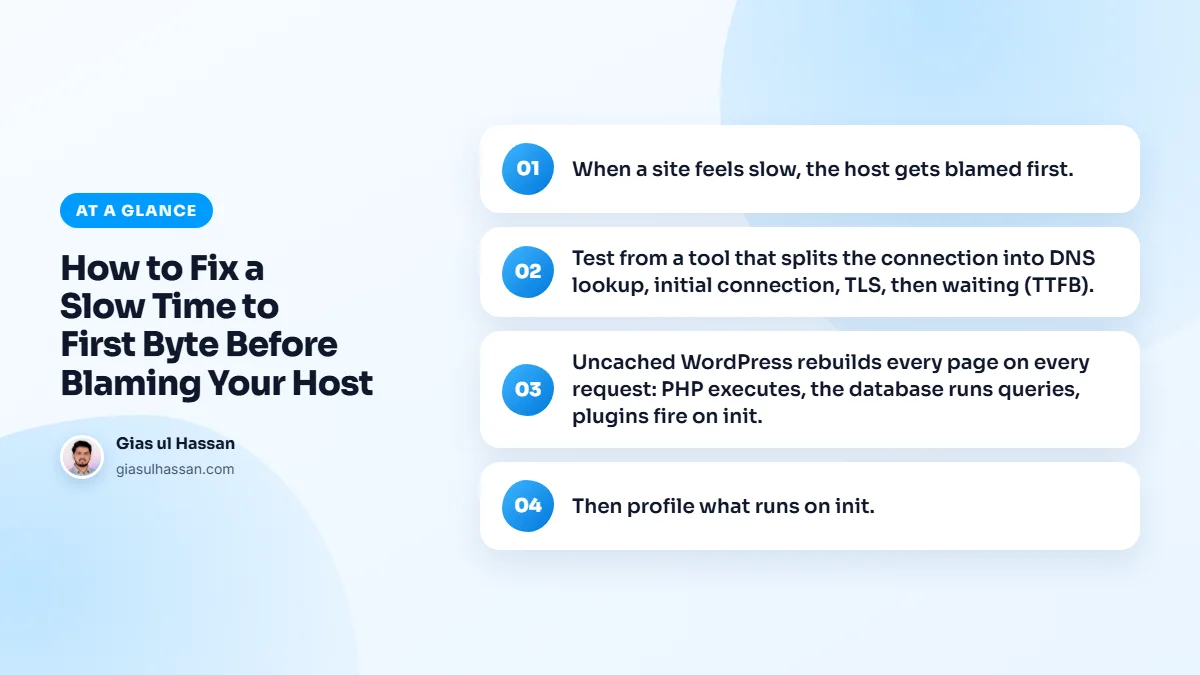
Test from a tool that splits the connection into DNS lookup, initial connection, TLS, then waiting (TTFB). If DNS is slow, that’s your DNS provider, move to a faster one. If the connection and TLS are fine but the wait is long, the delay is the server generating the page.
You already have two tools that do this split for free:
- Chrome DevTools. Open the Network tab, reload, click the first request (the HTML document) and open the Timing tab. It lists DNS lookup, initial connection, SSL and the wait for the server response as separate bars.
- curl. Run
curl -o /dev/null -s -w "%{time_namelookup} %{time_connect} %{time_appconnect} %{time_starttransfer}\n" https://yoursite.com/. The four numbers are cumulative seconds: DNS done, connection done, TLS done, first byte received.
Run the test three to five times and look at the typical result, not the worst one. The first request after a quiet period is often slower because caches are cold and the server has to wake things up.
Distance is part of the network
The connection and the TLS handshake each need round trips between the visitor and the server. If your server is in the US and your customers are in Lahore, every one of those trips crosses half the world. No amount of WordPress tuning shortens that. A server closer to your audience, or a CDN that serves cached pages from a nearby location, is the fix for this part.
That generation time is usually your app
Uncached WordPress rebuilds every page on every request: PHP executes, the database runs queries, plugins fire on init. A single slow plugin doing an external API call on every load can add 500ms before the first byte. Enable full-page caching first. It’s the biggest TTFB win and it’s free.
Then profile what runs on init. Query Monitor shows slow database queries and which plugins own them. Heavy autoloaded options, a bloated wp_options table, or a plugin polling an API on every request are all common.
Check whether you are even testing a cached page
A lot of confusing TTFB results come from testing the wrong thing. If you are logged in to WordPress, most page caches step aside and you see the slow, uncached version every time. Test in a private window as a normal visitor.
Then look at the response headers of the HTML document. Caching layers usually announce themselves: a LiteSpeed server sends x-litespeed-cache, and Cloudflare sends cf-cache-status. A value of hit means the page came from cache. If you never see a hit, the cache is not doing its job, and that is the first thing to fix.
The usual suspects on uncached requests
- A plugin calling an outside service (social counters, licence checks, feeds) before the page renders.
- Related posts or search plugins running heavy queries on every view.
- Autoloaded options left behind by plugins you deleted years ago.
- WooCommerce cart and session work on pages that never show a cart.
- An old PHP version the host never upgraded because nobody asked.
When a slow time to first byte really is the host
Only after caching and a plugin audit can you honestly say the host is the bottleneck. Most of the time, the same site on the same server drops from 900ms to 150ms, no migration required.
When it doesn’t, these are the signs the server itself is the limit:
- Cached pages, which skip PHP entirely, still wait a long time for the first byte.
- A small static file such as
robots.txtor an image is also slow to start. - TTFB swings widely by time of day even though your traffic is flat, which points at a crowded shared server.
- Uncached pages stay slow even after Query Monitor shows a short, clean list of queries.
If that matches, moving is a reasonable decision, and now you can make it with numbers instead of a hunch. If you are on budget hosting and want to squeeze it first, I wrote a step-by-step guide on how to reduce TTFB on cheap shared hosting.
A simple order to work in
- Measure TTFB with the breakdown, several runs, logged out.
- Fix DNS or distance if those bars are the long ones.
- Turn on one full-page cache and confirm you see cache hits.
- Profile uncached requests with Query Monitor and deal with the worst plugin.
- Clean autoloaded options and update PHP.
- Measure again, then judge the host.
A fast first byte only gets the page started. What the page then downloads decides how fast it feels. Images are usually the heaviest part, so choosing between WebP and AVIF is a sensible next step. Also check the hero image is not being delayed on purpose, which is why lazy loading can make a site feel slower.
If you would rather hand the whole chain to someone who does this every week, that is what my WordPress speed optimization work covers: measure, fix the causes in order, and prove the result with before and after numbers.