
Google grades your website on three numbers, called Core Web Vitals, and those grades influence where you rank. The official documentation is written for developers; this version is written for people who own websites. Three metrics, what breaks each one, and what fixes each one.
Core Web Vitals aren’t a technical test. They’re Google measuring whether your site annoys people.
Core Web Vitals at a glance
Each metric has a target for a good score and a line below which Google treats the experience as poor. The ranges below come from Google’s own guidance; everything between the two columns counts as needing improvement.
| Metric | What it measures | Good | Poor |
|---|---|---|---|
| LCP | Loading: when the main content appears | 2.5 seconds or less | Over 4 seconds |
| INP | Responsiveness: how fast taps get a reaction | 200 milliseconds or less | Over 500 milliseconds |
| CLS | Stability: how much the layout jumps | 0.1 or less | Over 0.25 |
One detail changes how you should read your scores. Google judges each metric at the 75th percentile of real visits, so a page passes only when at least three in four visits are good. A fast experience on your own office wifi proves very little.
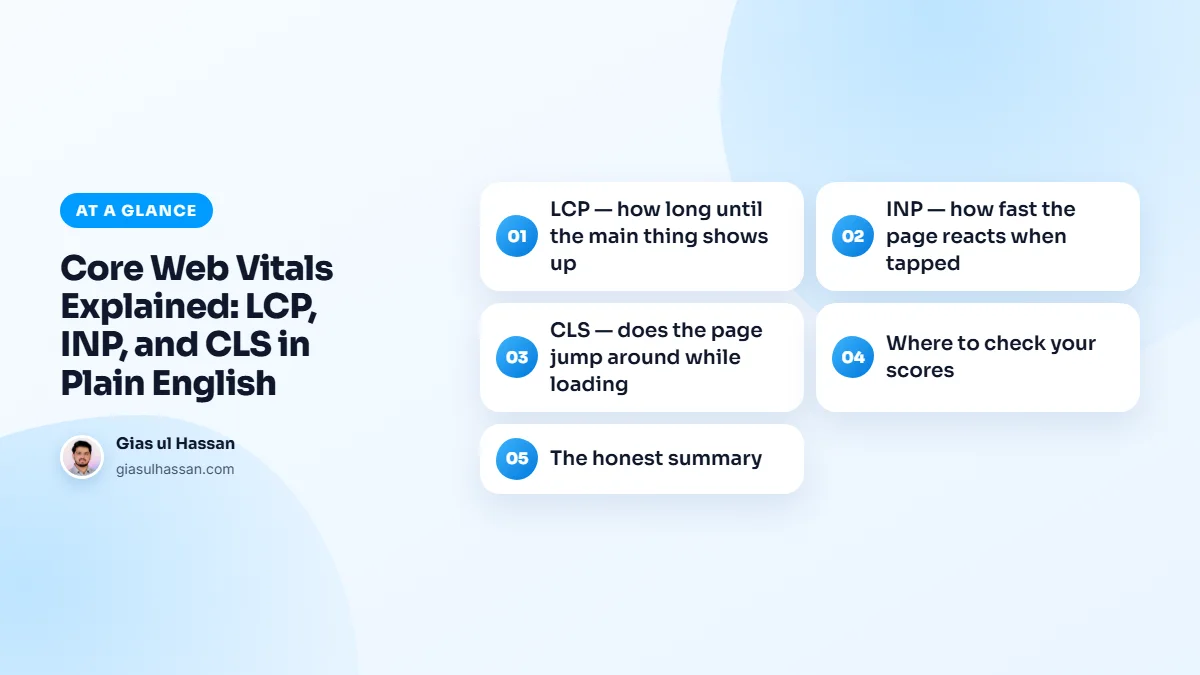
LCP, how long until the main thing shows up
Largest Contentful Paint measures when the biggest element on the screen, usually your hero image or headline, finishes loading. Google wants this under 2.5 seconds. It’s the metric that most closely matches how "fast" a site feels, and the one Google weighs heaviest.
What breaks it
Almost always the hero image: too large, wrong format, or lazy-loaded (a surprisingly common self-inflicted wound, lazy-loading tells the browser to wait on the exact image it should rush). Slow server response time is the other culprit: if the server takes 1.5 seconds to even respond, a 2.5-second LCP is nearly impossible.
What fixes it
Compress the hero to WebP, preload it, never lazy-load it, and get server response under ~600ms with proper caching. That combination fixes LCP on most sites. The web.dev LCP article breaks the metric into its parts if you need to find which one is slow.
INP, how fast the page reacts when tapped
Interaction to Next Paint replaced the old FID metric in 2024. It measures the delay between a user tapping something (a menu, a button, a form field) and the screen visibly responding. Target: under 200 milliseconds. Slow INP is that maddening moment where you tap a menu and nothing happens, so you tap again.
What breaks it
JavaScript. Heavy scripts (page builders, chat widgets, tracking tags, animation libraries) occupy the browser’s attention, and taps queue up behind them. Sites drowning in third-party scripts almost always have INP problems.
What fixes it
Less JavaScript, loaded later. Remove scripts that aren’t earning their place, defer the rest so they load after the page is interactive, and be ruthless about "just one more widget." On builder-heavy sites, the honest fix is sometimes a leaner rebuild. You can’t defer your way out of five megabytes.
CLS, does the page jump around while loading
Cumulative Layout Shift measures visual stability: you start reading, an image loads above, and the text you were reading jumps down. Or worse, you’re about to tap a button and an ad shoves it as you tap. Target: under 0.1.
What breaks it
Anything that loads late without reserved space: images without width/height attributes, web fonts swapping in and changing text size, banners and embeds injecting themselves above existing content.
What fixes it
Give everything a reserved seat. Dimensions on every image, font-display: swap with a preloaded primary font, and fixed-height containers for anything that loads late. CLS is the most mechanical of the three to fix. It’s a checklist, not a rebuild.
Where to check your scores
PageSpeed Insights shows both lab scores and, more importantly, real-visitor data from the Chrome UX Report when your site has enough traffic. The real-visitor numbers are what Google actually uses. Google’s official Web Vitals guide goes deeper on each metric when you want the full technical detail.
Lab data and field data are different things
The lab score is one simulated visit, run on the spot. The field data is real visitors over the previous 28 days. That explains two common surprises: the two numbers rarely match, and a fix you made today takes weeks to show in the field data. Judge a fix by the lab result first, then watch the field numbers catch up.
Search Console has a Core Web Vitals report too. It groups similar pages together, so one slow template can flag hundreds of URLs at once, and fixing that template clears them all.
Common Core Web Vitals mistakes
- Chasing a perfect lab score. The goal is good field data on the pages that matter, not 100 out of 100.
- Testing only on desktop. Mobile is usually the slower result and the one most visitors get.
- Fixing only the homepage. Product, service and blog templates are often where the poor scores live.
- Adding scripts back after the cleanup. Every new widget or tag is a fresh cost to INP. Re-test after anything new goes on the site.
Why this matters for your type of site
For trade businesses, speed decides who gets the urgent call; my home services lead generation guide puts it in that context. Online stores carry heavy product images and checkout scripts, so the same three metrics apply to every product page; the WooCommerce setup guide for Pakistan covers building a store that stays usable on mobile data.
If your site runs on WordPress, my guide on how to speed up a WordPress site turns everything above into an ordered list of fixes.
The honest summary
Green vitals won’t outrank better content, but red vitals quietly tax everything: rankings, bounce rate, ad costs, conversions. Most sites can reach green with an image pass, a script cleanup, and proper caching. That’s exactly what a speed optimization project does, measured before and after so you can verify the result yourself. Keeping them green afterwards is part of my website maintenance service.