
Your form converts fine on desktop and dies on mobile, and since mobile is where most of your traffic lives, the blended number looks like a lead problem when it’s actually a thumb problem. Mobile form friction costs you submissions you never see: it’s invisible in analytics and obvious the moment you fill out your own form on your own phone, slowly, like a stranger would.
On desktop, a clumsy form is an annoyance. On a phone, it’s a reason to leave, and your visitors are on phones.

The keyboard nobody set up
Tap a phone-number field and get the full alphabet keyboard: now the visitor is hunting for the number toggle before typing a single digit. HTML has solved this for years: type="tel" for phones, type="email" for emails, inputmode="numeric" for anything numeric. Half the forms on the web still don’t use it.
The right keyboard appearing instantly is the difference between typing and fiddling, and Google’s form best-practices documentation treats it as table stakes.
Autofill fighting the visitor
Phones can complete name, email, phone, and address in one tap, if the form lets them. Fields missing proper autocomplete attributes, or split into fragments browsers can’t map (three boxes for a phone number is the classic), force manual typing of information the phone already knows. Every field autofill completes is friction deleted for free.
The fix is a single attribute per field. Use autocomplete="name", autocomplete="email" and autocomplete="tel" for the basics, and the address tokens such as street-address and postal-code where you need them. MDN’s autocomplete reference lists every token. Keep each piece of information in one field, so the browser has something it recognises.
Targets built for cursors, not thumbs
Checkboxes rendered at 16 pixels, form fields shorter than a fingertip, links crowding the submit button: precise on a desktop, a mis-tap festival on a phone. Inputs need comfortable height (44px minimum touch targets), full-width layout, and breathing room around the one button that matters.
And that button must never hide behind the keyboard: the visitor finishes the last field, sees no way to submit, scrolls confusedly, sometimes leaves.
Validation that punishes
The cruelest mobile pattern: submit, fail validation on one field, and watch the form reload with every other field wiped. Retyping everything on glass is where submissions go to die. Errors should appear inline, next to the field, as it’s completed, never after a round-trip, never at the cost of entered data.
The second-cruelest pattern is the vague error: "Invalid input" on a phone field that secretly wanted no spaces. Say what’s wrong and what right looks like. Better still, accept the formats people naturally type, such as spaces and dashes in phone numbers, and clean them up on the server.
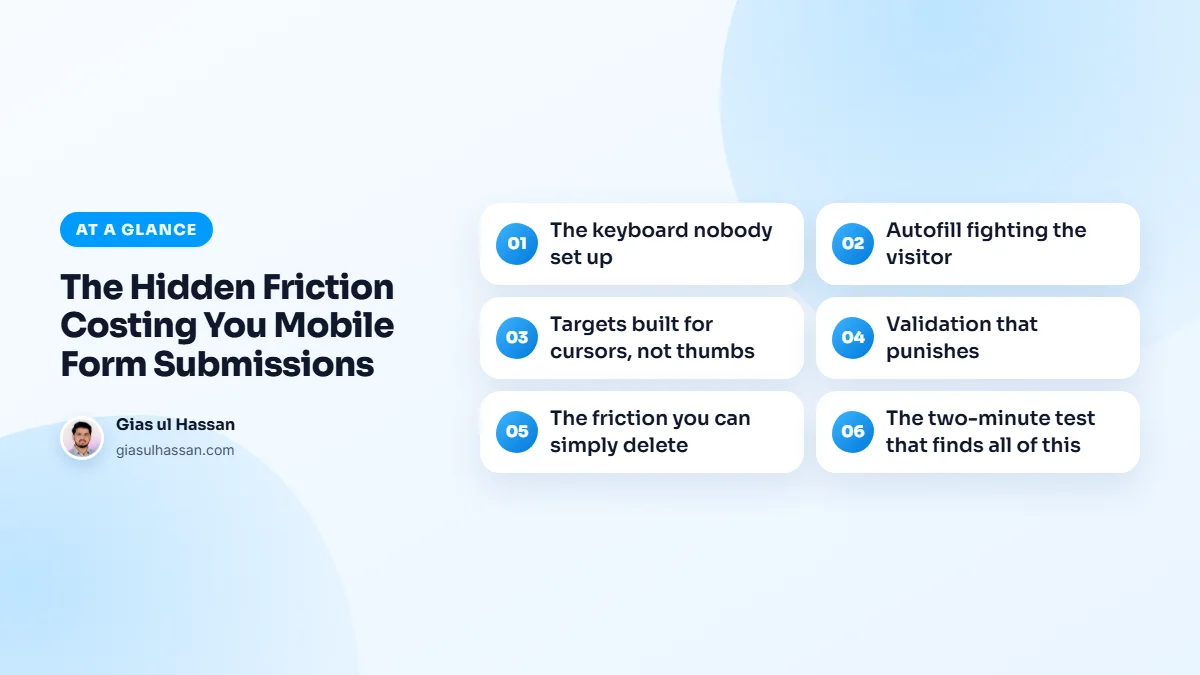
The friction you can simply delete
Every optional field earns its place or gets cut; on mobile the field-count tax roughly doubles. CAPTCHAs are conversion killers on phones; modern invisible protection (honeypots, time-based checks, reCAPTCHA v3) blocks the same bots without making a human squint at hydrants. And multi-step forms with one question per screen often outperform long single screens on mobile, because each step feels effortless.
Field count and button copy matter on every device, not just phones. If your form underperforms on desktop too, the broader fixes in why visitors don’t fill out your contact form come first.
Measuring mobile form submissions
You can confirm the problem before fixing anything. In your analytics, record each successful form submission as an event, then compare the submission rate for mobile visitors with the rate for desktop visitors on the same page. If mobile trails far behind while traffic is similar, the form is the leak, not the audience.
Look at which page the mobile visitors leave from, too. A form page with plenty of mobile visits and few submissions points at the form itself. A service page that phone users abandon before scrolling usually points at speed or layout instead.
Test on a cheap phone, not yours
Your own phone is probably newer and faster than the average visitor’s. Forms with heavy scripts, large date pickers or chat widgets can lag noticeably on budget Android devices, and a lagging field feels broken. Keep an older, inexpensive phone around for testing.
App developers learn this lesson the same way, which is why I wrote about why your Flutter app janks on older Android phones. The same goes for weight: if you also publish an app, reducing Flutter app size before you hit the store limit tackles that kind of friction before install.
The two-minute test that finds all of this
Phone in hand, fill your own form as a first-time visitor: wrong keyboards, ignored autofill, tiny targets, buried buttons, punishing errors. You’ll feel every one. Then run through this checklist:
- Does every field bring up the right keyboard?
- Does autofill complete your name, email and phone in one tap?
- Can you reach the submit button without closing the keyboard?
- Does a deliberate mistake show a clear inline error and keep everything else you typed?
- Is there a CAPTCHA you could replace with invisible protection?
These are small builds individually, which is exactly why they’re standard in every small business site I ship: the form is the site’s whole job, and mobile is where the job happens.