
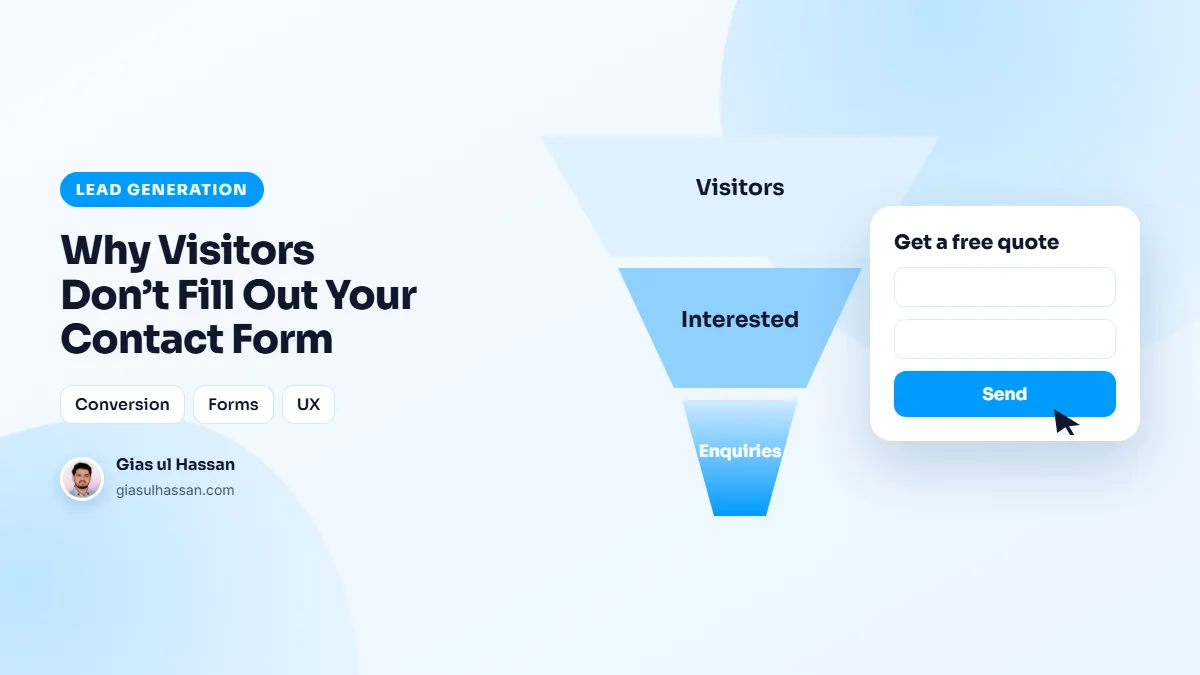
Traffic is arriving. The service pages get read. And the contact form, the entire point of the site, collects three submissions a month. Before blaming the traffic quality, look at the form itself: in most audits, poor contact form conversion comes down to a form quietly interrogating people who were ready to talk.
Every form field is a small tax on motivation. Enough fields, and even interested visitors decide they’ll "come back later," which means never.
First, check the form actually works
Before changing a single field, confirm the problem is real. A form can look perfectly fine while sending every enquiry to an old address, or straight into a spam folder. Submit a test enquiry yourself, then check that it arrives, where it arrives, and how long it takes. Do this monthly, because plugin updates and mail settings break forms silently.
Then measure two numbers: how many people view the page with the form, and how many submit it. Most analytics tools can record a submission as an event. That ratio is your real contact form conversion rate, and it tells you whether the problem is the form or the traffic reaching it.
The field-count problem
Name, email, phone, company, address, how did you hear about us, budget range, project timeline, message. Nine fields to start a conversation. Form research has shown for years that each additional field measurably cuts completions. Nielsen Norman Group’s form design guidelines summarize the evidence, yet forms keep growing because every department wants one more data point.
The visitor doesn’t owe you a database record; they’re offering a conversation. Three fields (name, phone or email, what do you need) starts it. Everything else is what the first phone call is for.
The trust gap around the button
People hesitate at forms because they can’t predict what happens next. Am I about to get a sales call every day? Spam forever? Silence? The fix costs one line of copy under the button: "You’ll hear back from me within one business day, no spam, no pressure." Sites that set the expectation convert measurably better than sites that leave the click feeling like a leap.
The button copy nobody thinks about
"Submit" is bureaucrat language. It describes what the form does, not what the visitor gets. "Get My Free Quote," "Send My Question," "Book My Call" reframe the same click as receiving something. It’s a two-minute change that shows up in conversion data more often than it has any right to.
Mobile: where forms go to die
More than half your visitors are on phones, where every form flaw doubles. Fields too small to tap accurately, the wrong keyboard appearing for phone numbers, validation errors that wipe everything typed, the submit button hiding behind the keyboard. Test your own form on your own phone (slowly, like a first-time visitor), and you’ll usually find the leak in the first thirty seconds.
Each of those problems has a specific, small fix, from input types to autofill attributes. I go through them one by one in the hidden friction costing you mobile form submissions.
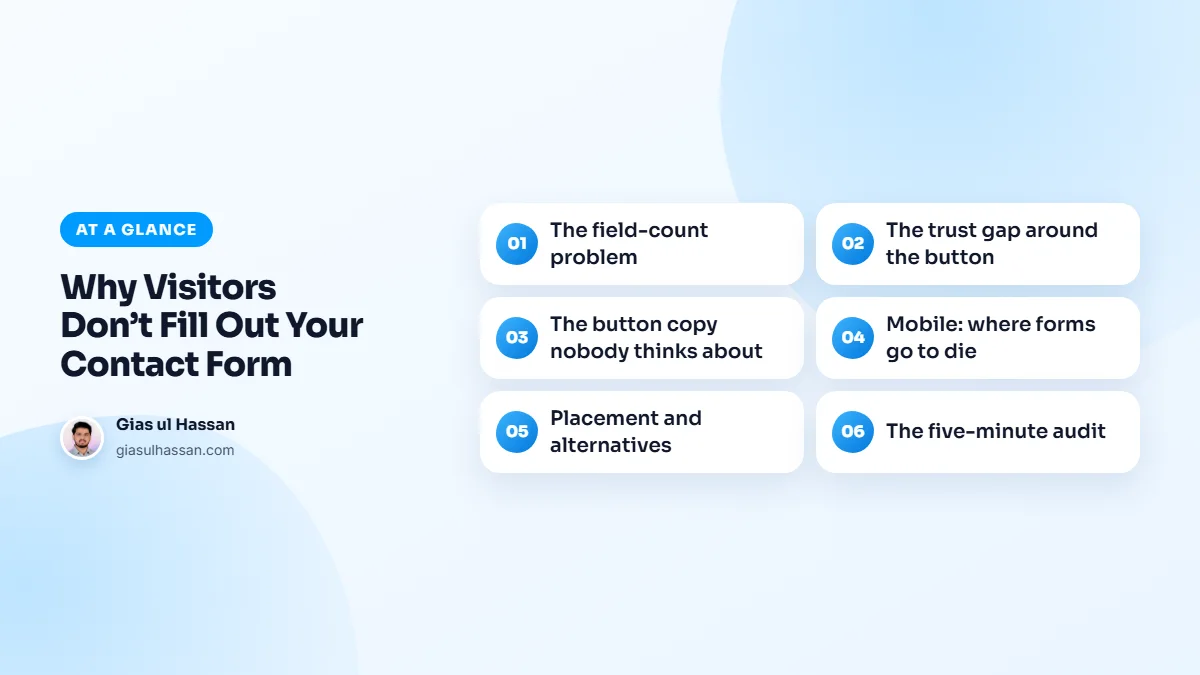
Placement and alternatives
One form at the bottom of the contact page assumes visitors will go find it. Put a short form (or a clear CTA leading to one) on every service page, where the buying intent actually peaks. And offer a parallel channel for the form-averse: a visible phone number and a WhatsApp link capture the substantial slice of people, especially in trades and local services, who’d rather talk than type.
The homepage matters here too, because it is where many visitors decide whether to look for a form at all. If yours hides the next step behind a menu link, the homepage mistakes that quietly kill your leads are worth a read before you touch the form.
What happens after the click
The moment after submitting is part of the form. A blank page, or the same form reloaded with no message, leaves people unsure it worked, and some will submit twice or give up. Show a clear confirmation that repeats the promise: who will reply, and by when. A short automatic email with the same information reassures them again.
Then keep the promise. A fast, personal reply is what turns a submission into a client. A form that converts well but gets answered days later has only moved the leak further down.
Speed decides whether the form is ever seen
None of these fixes matter if the page loads too slowly for people to reach the form. Visitors on mobile data are the least patient, and they leave before anything appears. If your service pages are slow, start with the three-second rule and why users leave before your page loads, then come back to the form.
The five-minute contact form conversion audit
Count your required fields (over four? cut), read the button (says "Submit"? rewrite), check for an expectation-setter (missing? add one line), and fill the form out on your phone (any friction you feel, visitors feel doubled). These fixes are small individually and compound dramatically.
Forms are the highest-leverage square meter on the whole site, which is why they’re engineered deliberately in every small business site and business build I ship.