A patient finds your clinic online, likes what they see, and is ready to book. Then your website asks them to call during office hours. Half of them will not. They are busy, it is the evening, or they would simply rather not pick up the phone, so they keep looking and book with the clinic that let them do it online. That is an appointment lost to booking friction, not to a better competitor.
Online booking is the single biggest fix for most practice websites. When a patient can see availability and book a slot in under a minute, at the time they are actually thinking about it, you capture appointments that would otherwise evaporate overnight. The slots that sit empty are usually not a demand problem, they are a booking problem.
What good online appointment booking looks like
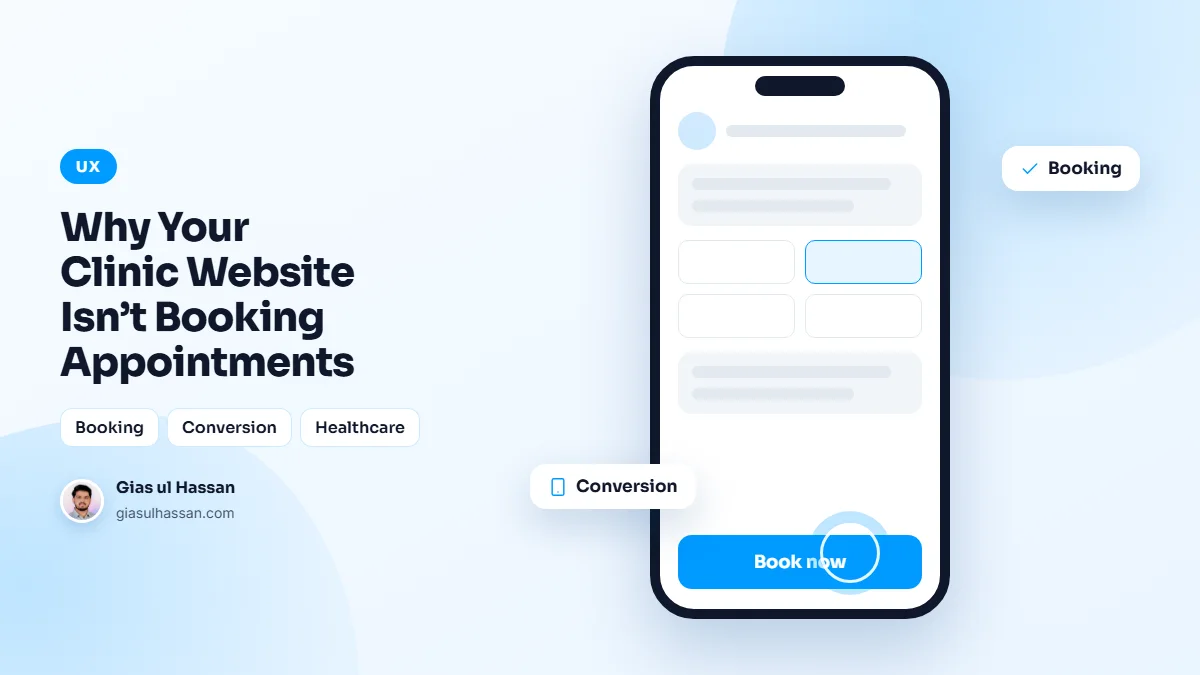
Not every booking widget fixes the problem. A form that says "request an appointment" and promises a call back tomorrow is still asking the patient to wait. The version that fills slots has a few things in common:
- Real availability. The patient sees actual open times, pulled from the same calendar your front desk uses, so nothing is double booked.
- The right choices, in order. Service or reason for the visit, then practitioner, then time. Nothing the patient cannot answer.
- A few taps on a phone. Most patients will book on their phone, often in the evening. Test it there, not on a desktop.
- Confirmation and reminders. An instant confirmation, then a reminder before the visit by email, SMS or WhatsApp, whichever your patients actually read.
- Easy rescheduling. A patient who can move an appointment online frees the slot for someone else instead of simply not turning up.
- A booking button on every page. Service pages and doctor profiles are where the decision is made, so the button belongs there too.
An off-the-shelf tool or a custom build?
Most clinics are well served by an established scheduling tool embedded properly into the site. A custom booking flow makes sense when it has to work with your own records system, handle unusual rules like multi-room procedures, or carry your branding end to end. Either way, the test is the same: can a new patient book without phoning?
The trust gap nobody mentions
Healthcare is personal, and a dated or careless website makes people quietly nervous about trusting you with something that matters. A clean, fast, professional site does reassuring work before a word is read. Clear pages for each service, visible credentials, and obvious care taken with their information all tell a patient they are in safe hands.
Specifics do most of that work. A profile for each practitioner with their qualifications and a real photo. Photos of the actual clinic, not stock images. The address, parking and opening hours where they are easy to find. Fees, or at least how fees work, so nobody has to call just to ask. And forms that only ask for what you need, sent over HTTPS, handled in line with the health data rules where you practise.
The paperwork before the visit
Then there is the paperwork. Forms done on paper at the desk are slow for everyone and a small reason to choose somewhere easier. Digital intake forms that a patient completes before they arrive save time, reduce no-shows, and make the whole experience feel modern and considered.
Keep intake forms short and split them into steps, so a long medical history does not appear as one wall of questions. Let patients save and come back. Make every field work with a screen reader and a phone keyboard: label each field properly and make error messages say what to fix. The W3C Web Accessibility Initiative has practical guidance on accessible forms, and many patients are exactly the people who need it.
Speed decides whether they reach the booking button
A patient searching on a phone will not wait long for a slow page. If the booking widget is the last thing to load, some of them never see it. I cover why in the three-second rule, and Google’s Core Web Vitals are a useful way to measure what real visitors experience. Heavy sliders, uncompressed photos and too many third-party scripts are the usual causes on clinic sites.
Checks you can run this week
- Try to book an appointment on your own website from your phone, in the evening. Count the taps and note anywhere you had to stop and think.
- Check that your Google Business Profile has a booking link that goes straight to the booking page.
- Ask the front desk which questions callers ask most, then make sure the website answers each one.
- Look at your intake form and remove any field you never use.
- Run your home page and main service page through PageSpeed Insights on mobile.
Other businesses with the same problem
Clinics are not alone. Restaurants that cannot take orders on their own site end up paying commission on orders that were theirs anyway, as I explain in why restaurants lose money to delivery apps. Gyms lose trial sign-ups the same way, which I cover in why gym websites fail to turn visitors into members. The lesson carries across: let people act at the moment they decide.
Patients are ready to book. The job of the website is to remove every reason not to, and online booking is where that starts. I cover how I build these on my healthcare website development page, but the core idea is simple: meet patients when they are ready, not only when your phone line is open.