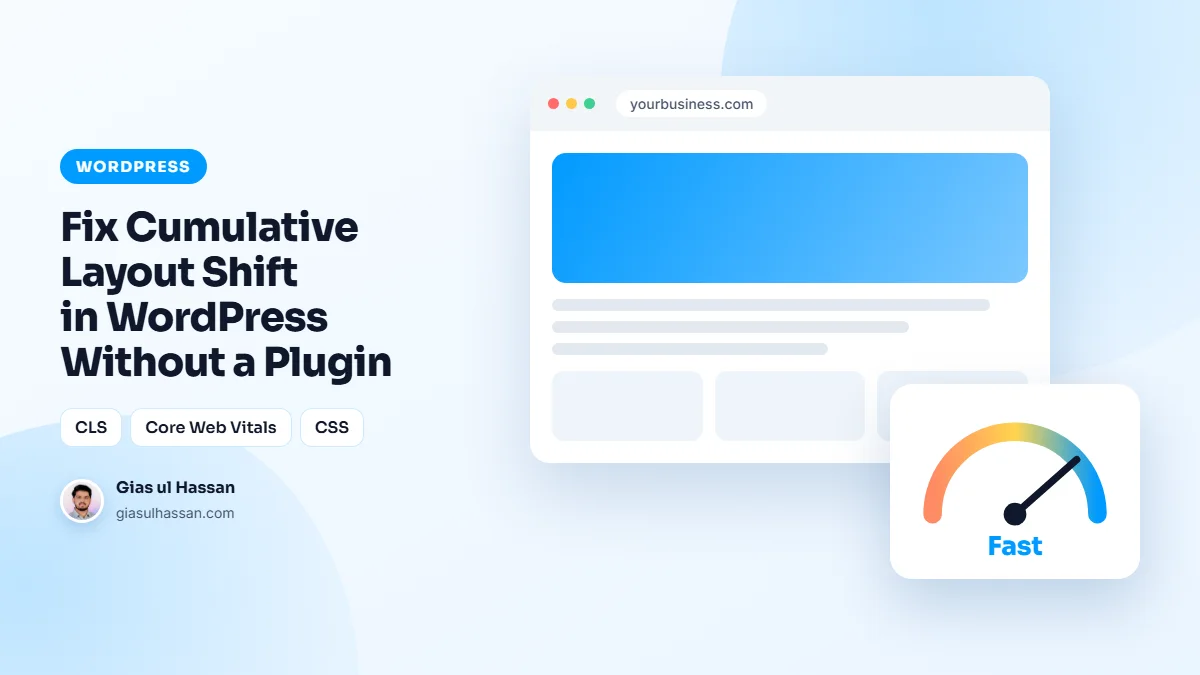
Cumulative Layout Shift is the jump you feel when a page loads: text appears, an image shoves it down, a banner shoves everything again, and the link you were about to tap moves as your finger lands. Google measures it, and a CLS above 0.1 quietly drags rankings. The instinct is to install a "CLS fixer" plugin; the reality is that nearly every cause of cumulative layout shift in WordPress lives in your theme and content, fixable directly.
Layout shift has one root cause: content arriving without a reserved seat. Every fix is a version of reserving the seat.
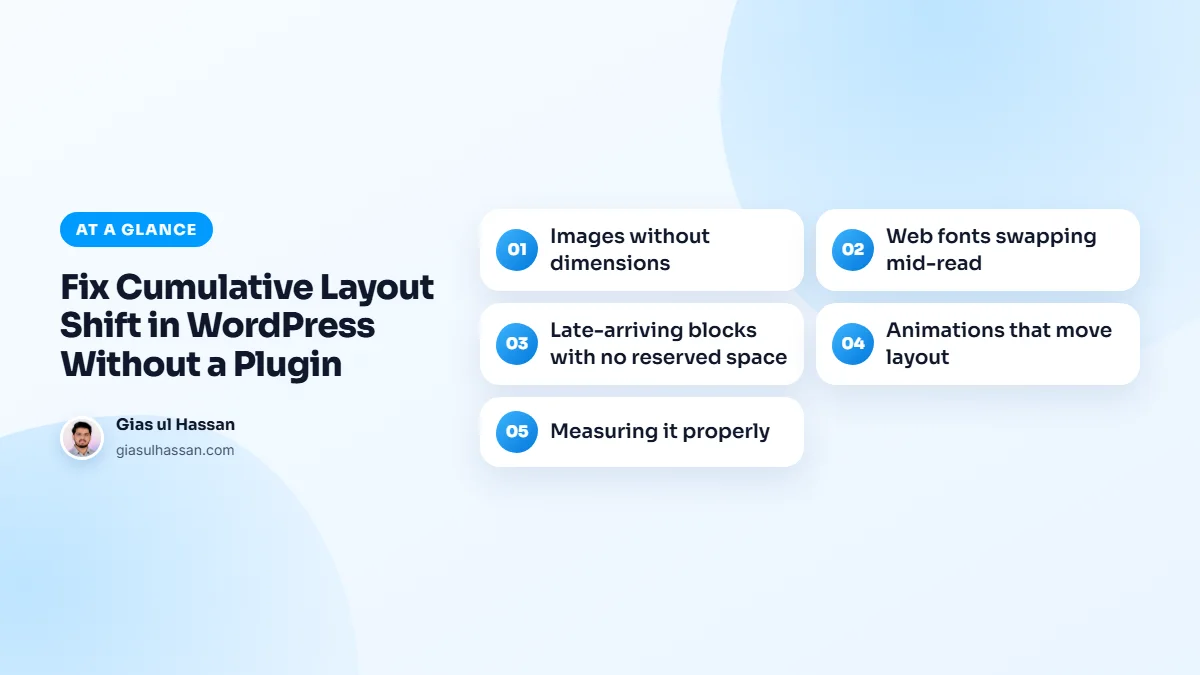
Cause 1: Images without dimensions
The biggest offender everywhere. When an image tag carries no width and height, the browser reserves zero space for it, renders the text, then reflows everything when the image arrives. Every image needs its dimensions, either width/height attributes (WordPress adds them to content images automatically, but themes and builders frequently strip them on heroes, logos, and custom blocks) or an aspect-ratio rule in CSS. Audit the images that load above the fold first; that’s where the measured shift concentrates.
Cause 2: Web fonts swapping mid-read
The page renders in a fallback font, your custom font finishes downloading, and every line of text changes height, a full-page micro-shift users feel as flicker. Two-part fix: preload your primary font file in the head so the swap happens before meaningful paint, and use font-display: swap so text is never invisible while waiting. If your custom and fallback fonts differ wildly in width, CSS size-adjust on the fallback closes the gap, but for most sites preload alone gets CLS contribution from fonts to near zero.
Cause 3: Late-arriving blocks with no reserved space
Embeds, ad slots, cookie notices, announcement bars, lazy-loaded sections, anything injected above existing content pushes that content down. The rule is universal: reserve the space or take the element out of flow. Give embeds and ad slots a container with a fixed min-height matching their rendered size. Cookie bars and announcements should be position: fixed overlays, not blocks inserted at the top of the body. If a plugin injects a banner you can’t control, that plugin is your CLS score now, style its container’s height yourself or replace it.
Form plugins are a quiet example. Many render the form with JavaScript after the page has painted, so everything below it jumps. Give the form’s container a min-height too. While you are there, send a test submission. A form can look perfect and still deliver nothing, as I explain in why your WordPress contact form stops sending emails.
Cause 4: Animations that move layout
Reveal-on-scroll effects that animate height, margin, or top shift everything around them, and Google counts it. Animate only transform and opacity: they move pixels without moving layout, which is why they’re the only properties a performance-conscious theme animates.
Find out what is actually moving first
Almost everyone guesses, fixes the wrong thing, and concludes CLS is unfixable. Spend two minutes identifying the element instead:
- Open the page in Chrome, then DevTools → Performance.
- Tick Screenshots, reload with the record button, and stop once the page has settled.
- In the timeline, look for the red Layout Shift markers. Click one.
- The summary names the element and shows a before/after box. That is your culprit, and it is usually not the one you assumed.
Do this on a phone profile with the network throttled, not on your desktop on fibre. CLS is a slow-connection problem; on a fast one the shifts happen before you can see them and the score still counts them.
The five causes, and the fix for each
| What shifts | Why | The fix |
|---|---|---|
| Images | No width and height, so the browser reserves no space until the file arrives. | Put width and height on every img. Modern browsers derive the aspect ratio from them even when CSS resizes the image. |
| Web fonts | The fallback font has different metrics, so every line re-flows on swap. | Self-host, preload the woff2, and set size-adjust on a local fallback so the two fonts occupy the same space. |
| Embeds and iframes | YouTube, maps and ad slots arrive with no reserved box. | Wrap each in a container with a fixed aspect-ratio. |
| Cookie bars and banners | Injected into the flow after paint and push everything down. | Position them fixed so they overlay rather than displace. |
| Above-the-fold JavaScript | Sliders, accordions and “reveal” scripts rewrite the layout on load. | Give the container its final height in CSS before the script runs. |
The font one, in more detail
This is the cause people miss, because nothing visibly jumps, the text just re-flows by a few pixels and the score takes the hit. The sequence is: the browser paints in a fallback, the web font arrives, every character changes width, and every block below moves.
font-display: swap does not fix it; it is what causes it. What fixes it is making the fallback occupy the same space as the real font:
@font-face { font-family: 'Inter Fallback'; src: local('Arial'); size-adjust: 107%; ascent-override: 90%; descent-override: 22%;}body { font-family: 'Inter', 'Inter Fallback', sans-serif; }
The percentages are per font pairing; Chrome’s own font-metric-overrides tooling will calculate them for yours. Self-hosting the font and preloading the woff2 removes the connection to a third-party domain at the same time, which usually takes a couple of hundred milliseconds off LCP as a bonus.
A preloaded font helps most when the head of the page is otherwise lean. If a dozen plugin stylesheets still hold up the first paint, read how to stop render-blocking CSS from tanking your WordPress score.
Why a plugin does not solve it
CLS plugins do one of two things: add width and height to images they can parse, or inject CSS that hides content until everything has loaded. The first is worth having and is five minutes of work in your theme anyway. The second trades a layout shift for a blank screen, which is worse for the visitor and does nothing for the other two Core Web Vitals. Neither touches fonts, embeds or your cookie bar, which, between them, are most of the problem.
Measuring layout shift properly
PageSpeed Insights reports CLS, but the diagnosis tool is Chrome DevTools: Performance panel, reload, and the Experience row flags each individual shift with the exact element that moved. Fix the biggest contributor, re-measure, repeat, CLS work is a checklist, not a mystery. Google’s CLS documentation covers the metric’s mechanics if you want the full detail.
None of this needs a plugin. It needs dimensions on media, preloaded fonts, and reserved space for anything late. If your CLS is one symptom among several red vitals, that’s usually a sign the theme itself needs a proper performance pass rather than one-metric whack-a-mole.
And if every page is slow to start, not just jumpy once it does, begin at the server. My guide on how to reduce TTFB on cheap shared hosting covers the foundation the other fixes sit on.